Step 1
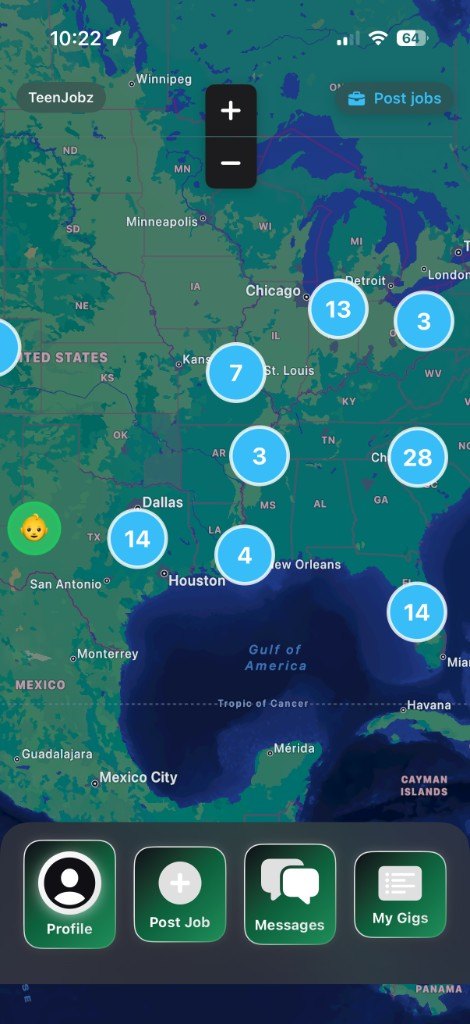
See jobs on the map
Open the app and look at what is posted around you. You can browse jobs without signing in.
 TeenJobz
Download
TeenJobz
Download
TeenJobz connects teens looking to earn money with neighbors who need a helping hand.
Find local opportunities. Get help close to home.
Download on the App StoreTeenJobz is on the App Store for iPhone. It is not available for Android yet.
Posting, bidding, chat, and reviews stay in the app. These pages explain how to get started.
Three steps. The map is visible before you create an account. Signing in is what unlocks posting, bidding, and messages.
Step 1
Open the app and look at what is posted around you. You can browse jobs without signing in.
Step 2
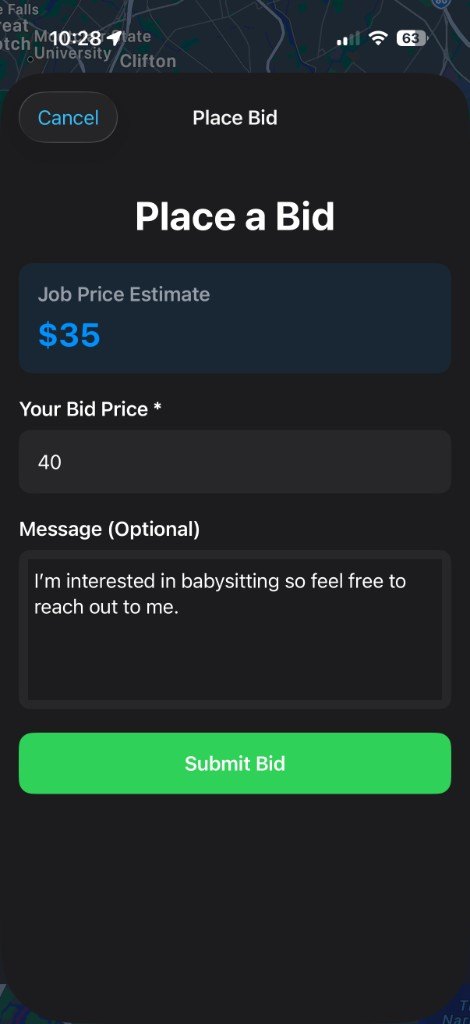
Teens send a price and a short note. Neighbors post a gig, then choose from the bids that come in.
Step 3
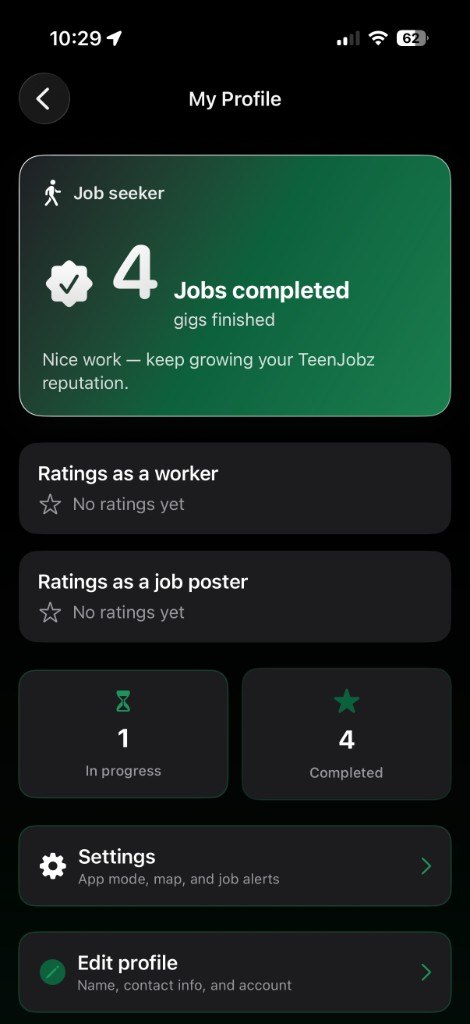
Arrange the details in Messages. After the job, each person can rate the other as a worker or as the person who posted it.
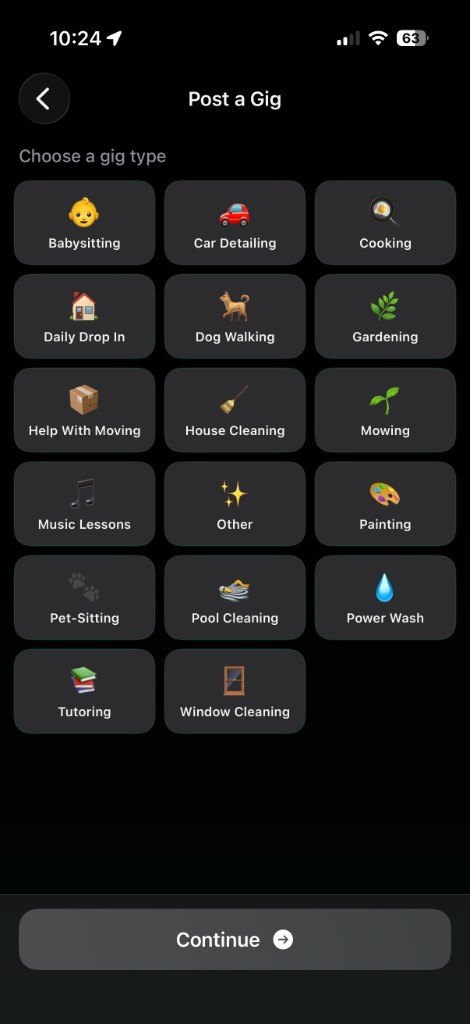
A neighbor picks a type when they post. These are the types in the app.
These are the safeguards in the product today. Read the full notes on the safety page, especially if a teenager will use the app.
People talk about a job in TeenJobz Messages, tied to that job.
A profile can show ratings as a worker and ratings as the person who posted the job.
The map uses location only if the phone allows it. That permission can be turned off in the phone’s settings.
The privacy policy says the app is not intended for children under 13.
TeenJobz is built around teenagers. There is no separate parent login. The parents page explains what the app does, and what it leaves to you.
The button opens an App Store search for TeenJobz. On a computer, scan the code with an iPhone.
Download on the App StoreTeenJobz is on the App Store for iPhone. It is not available for Android yet.

Scan with an iPhone camera.